
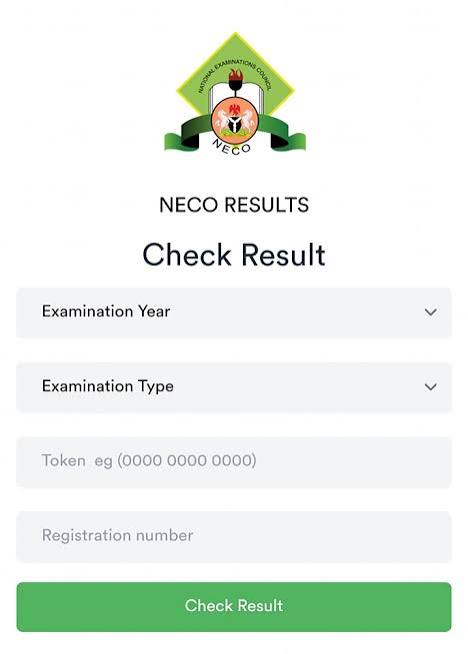
You can check your NECO result online by visiting the NECO Result Portal
RequirementsExamination Year (e.g., 2025, 2026)Examination Type (SSCE Internal, SSCE External, BECE, etc.)Registration Number (10 characters: 8 digits followed by 2 letters)12-digit Result Token (purchased from the official portal or authorized channels)Steps to CheckGo to the NECO Results Portal.Select your Examination Year from the dropdown menu.Select your Examination Type (such as SSCE Internal or External).Enter your unique 12-digit Token.Enter your Registration Number.Click on "Check My Result" to view and print or save your result slip
Additional information is available regarding
How to purchase a NECO result token Checking results